

Copyright and CCLI
Guidepost can add a copyright line to song and scripture slides automatically. The settings are in Settings › Scripture & Songs › Copyright display.
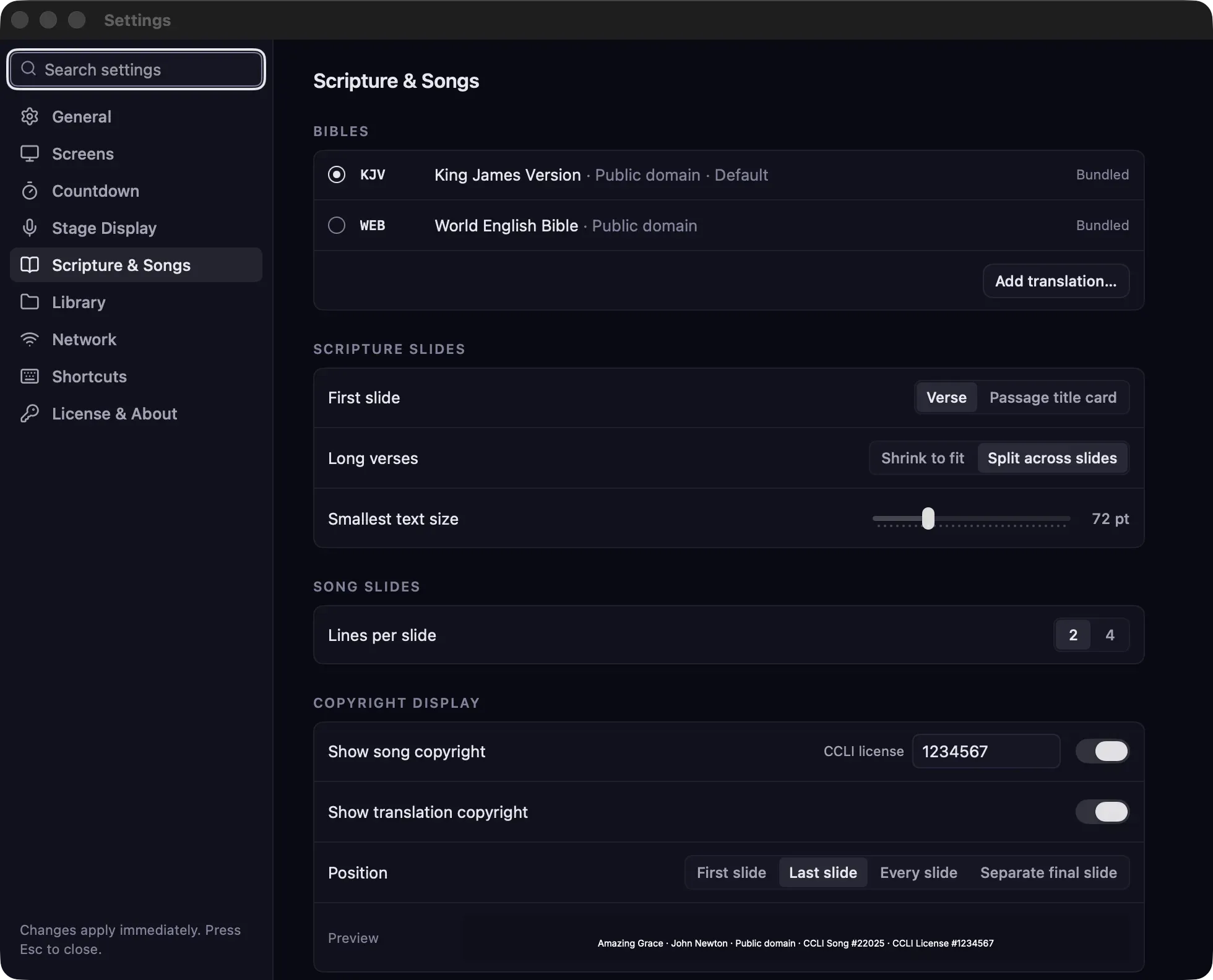
Settings
Section titled “Settings”| Setting | What it does |
|---|---|
| Show song copyright | Adds a line with the song’s title, authors, copyright and CCLI song number. On by default. |
| CCLI license | Your church’s CCLI license number, added to the song copyright line. |
| Show translation copyright | Adds the translation’s copyright notice to scripture slides, for translations that require attribution. On by default. Public-domain translations such as the KJV and WEB don’t need one. |
| Position | Where the line goes: First slide, Last slide, Every slide, or a Separate final slide. |
The Preview row shows the line as it will appear, for example:
Amazing Grace · John Newton · Public domain · CCLI Song #22025 · CCLI License #1234567
Details that are empty in the song are left out.
Changes apply everywhere
Section titled “Changes apply everywhere”The copyright line is added when a slide is shown, not stored in the slide. Changing these settings updates every song and scripture slide, including those in presentations you made earlier.
Where the details come from
Section titled “Where the details come from”- Songs: the Title, Authors, Copyright and CCLI song # fields in the song editor. Song files imported from SongSelect usually include them.
- Translations: the copyright notice entered when the translation was added. See Bibles and translations.